
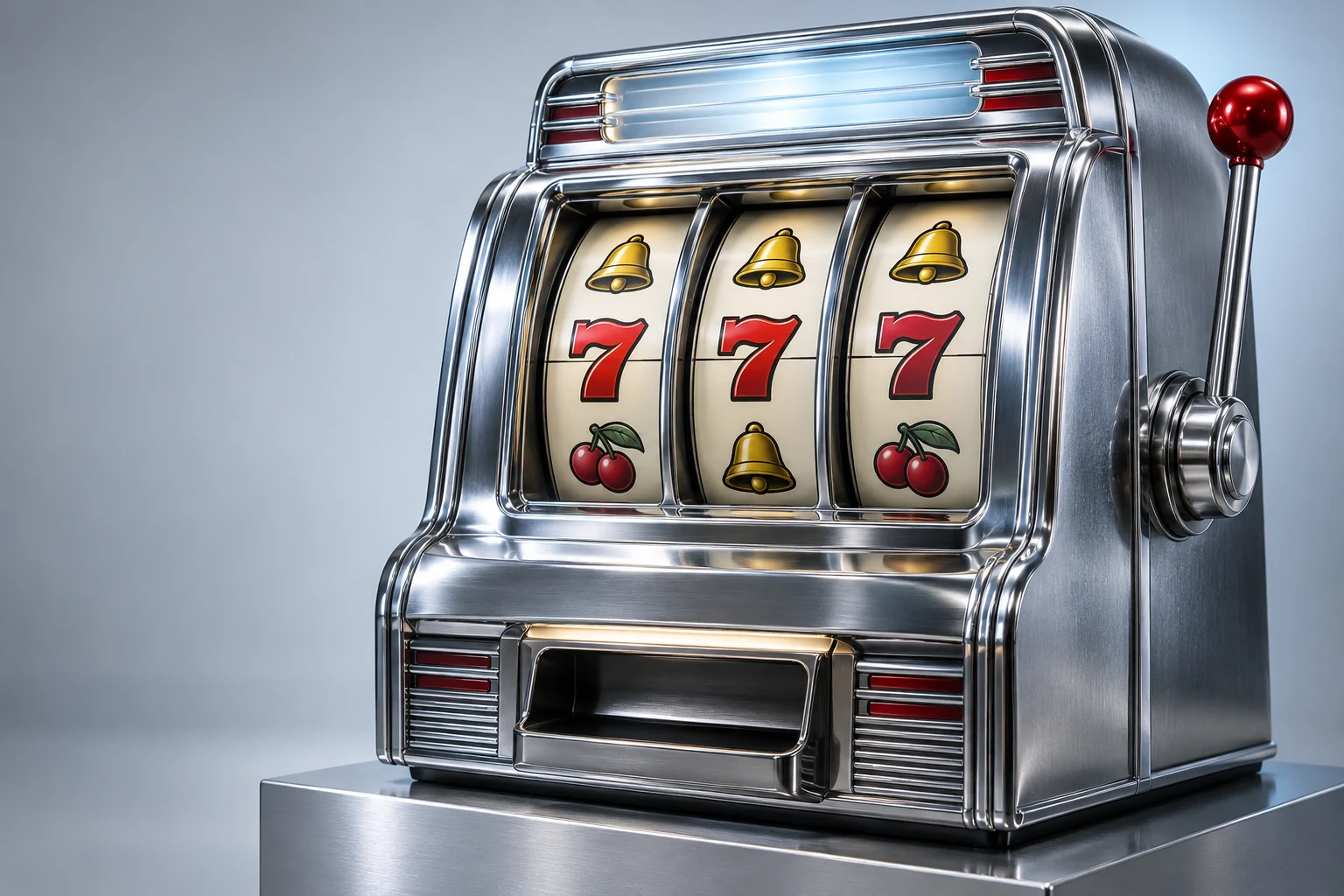
Four attached feature formats
This reference concerns the supplied Slots games. Bonus Slots, Respin Slots, Hold & Collect and Pick Bonus offer different follow-up actions after a paid result. Their mechanics are implemented separately. A feature's name is not merely a different color for the same game, and its own page explains the relevant trigger. Read the active cabinet’s rule panel when applying this explanation. Additional context is available in the site’s related guides.
Free spins and retriggers
This is part of understanding the current release. Bonus Slots awards ten free spins when at least three Scatters appear. A qualifying free-spin result adds five more. Each step uses the triggering wager, carries no extra cost and requires a manual button press before the next result is drawn. Review one completed result at a time when comparing these details. Review the relevant page before using another mode.

One Wild-lock respin
Keep the scope of the explanation in view. Respin Slots uses an independent one-in-40 check after a paid spin. On a trigger, all current Wilds stay in position and the other cells draw again for one free result. The respin cannot trigger another respin, so this feature adds at most one step to that paid round. The examples describe virtual-credit play within this release. Additional context is available in the site’s related guides.

A collection with resetting attempts
A precise definition makes the screen easier to read. Hold & Collect begins from at least three paid-result Scatters. Their positions lock with assigned values, and each empty position has a 12% chance to acquire a new symbol per attempt. A new symbol resets the attempt counter to three; otherwise it decreases by one. The examples describe virtual-credit play within this release. Review the relevant page before using another mode.
One selection from three tiles
This is part of understanding the current release. Pick Bonus triggers from at least three Scatters. Three hidden awards are assigned and the player reveals one. The selected multiplier applies to the total triggering wager. Every tile position uses the same distribution, so the interface offers a choice without claiming a predictive advantage. The same definitions apply on a phone and a desktop browser. Review the relevant page before using another mode.
Wild doubling is an immediate rule
Wild Slots has a doubled line award for a qualifying match containing Wild. It does not open a separate bonus counter. That immediate line rule belongs to the current result and should not be confused with an attached free spin or collection phase. Review one completed result at a time when comparing these details. The visible interface identifies the feature currently in use.
Keep paid rounds and feature steps separate
This reference concerns the supplied Slots games. A paid round includes its initial result and all attached feature steps. Statistics track the paid wager once, while crediting each earned award as it occurs. A history receipt appears after the attached feature ends and shows their combined net result. A mode’s own paytable remains the reference for its awards. Additional context is available in the site’s related guides.
Resume only what was saved
Use this point when reading a result. Saving stores the feature type, its counters or hidden values, balance and current round together. If another browser tab changes that saved game, the older tab asks you to reload. When local saving is off, leaving the page discards an unfinished feature. A mode’s own paytable remains the reference for its awards. The visible interface identifies the feature currently in use.